Bar stool (industrial) CAD block
An industrial bar stool, 885 mm high: a round padded leather seat on four bent steel legs with two foot rings.
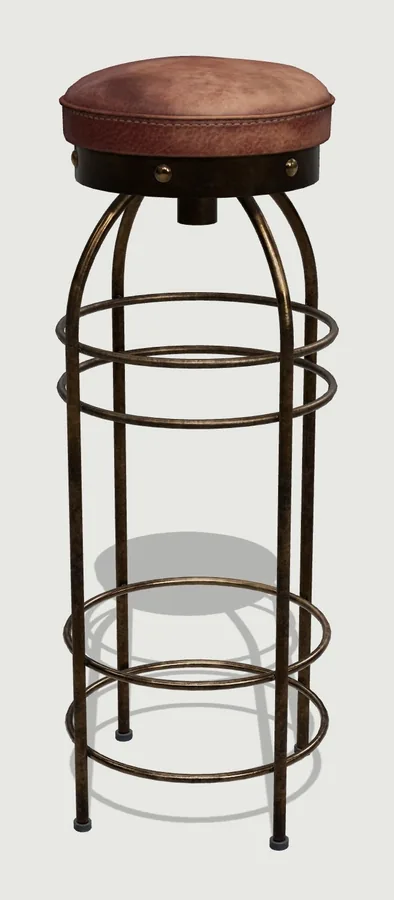
3D render: CAD Blocks, from a Poly Haven 3D model by Ulan Cabanilla, CC0. Source

- Item
- Bar stool (industrial)
- Size
- W 350 × D 355 × H 885 mm
- Sized by
- From the 3D model
- Format
- DXF, millimetres
- Blocks
- BAR_STOOL_INDUSTRIALwith _PLAN, _FRONT and _SIDE
What's in the file
- Three blocks
- BAR_STOOL_INDUSTRIAL_PLAN, BAR_STOOL_INDUSTRIAL_FRONT and BAR_STOOL_INDUSTRIAL_SIDE. The plan's insertion point is the back-left corner; the elevations sit at floor level.
- Layers
- The outline is on layer 0 with ByBlock colour, so each block takes the layer you insert it on. Detail lines are on I-FURN-DETL and dashed hidden edges on I-FURN-HIDN, so you can switch either off.
- Size
- W 350 × D 355 × H 885 mm. From the 3D model, so check it against the piece you're specifying, and scale it if yours differs.
- SketchUp
- The DXF for SketchUp is the same block with a surface in every closed area, so the Paint Bucket fills each one in one click. Import it with Merge coplanar faces ticked: how to import it.
- Use
- Free for your own projects, including drawings for clients. Please don't share it as part of a block library.
Using it in your CAD program
More chairs
| Photo | Block | Size | File |
|---|---|---|---|
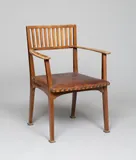 | Slatted armchair (after Otto Wagner)ARMCHAIR_SLATTED_BACK | W 660 × D 591 × H 902 mm | DXFSketchUp |
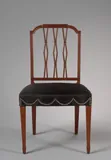 | Dining chair (square back)CHAIR_DINING_FEDERAL | W 483 × D 521 × H 908 mm | DXFSketchUp |
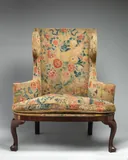 | Wingback chairWING_CHAIR_QUEEN_ANNE | W 1080 × D 775 × H 1238 mm | DXFSketchUp |
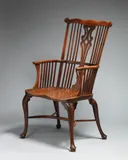 | Windsor chair (comb-back)ARMCHAIR_WINDSOR_COMB | W 597 × D 673 × H 1121 mm | DXFSketchUp |
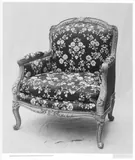 | French bergère armchairBERGERE_LOUIS_XV | W 838 × D 711 × H 978 mm | DXFSketchUp |
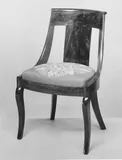 | Empire-style gondola side chairCHAIR_GONDOLA_EMPIRE | W 480 × D 510 × H 810 mm | DXFSketchUp |
Can't find your exact product?
Draw it from a photo. Drop in a product photo or a screenshot from the maker's website, give the size, and CAD Blocks draws its plan, front and side as a DXF. Your first three blocks each month are free.
Draw your own block